
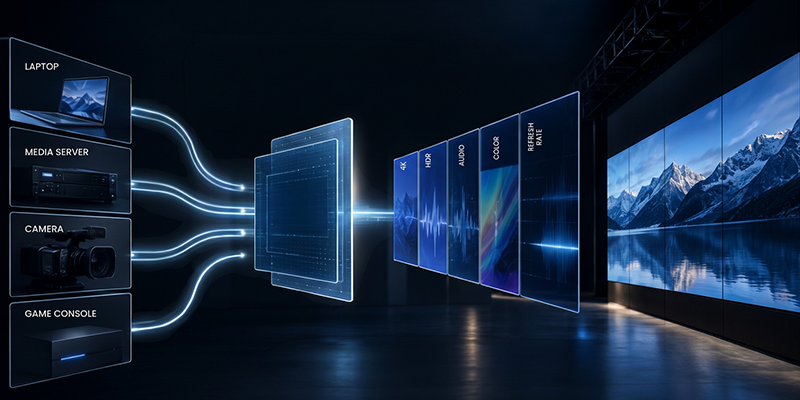
A source shouldn’t choose a format based on the lowest common denominator, which is how most EDID “management” platforms work. It should choose a format the complete route was designed to carry and use. Not every input needs a custom EDID, but every important input needs an EDID strategy. Pass-through may be fine for a simple route. A fixed, captured, merged, or custom EDID may be more appropriate when routes change, destinations differ, or the system needs deterministic behavior.
EDID doesn’t force a source to choose the right signal. It defines the modes and capabilities the source can consider, often identifies one or more preferred timings, and influences how the operating system or GPU presents its choices. When those declarations don’t match the real path, the symptoms usually appear somewhere else.
Raster, timing, and motion cadence
Resolution defines the active image raster the source is likely to send. If it doesn’t match the intended processor input or LED canvas strategy, the processor must resize the image before it can fit the display layout. That may introduce unnecessary scaling, change mapping geometry, or make content creation less predictable. Refresh rate is equally important. A source at 60 Hz in a 50 Hz production, or at 59.94 Hz where an exact 60 Hz workflow was expected, may force frame-rate conversion. The result can be judder, repeated or dropped frames, inconsistent motion between destinations, or unstable lock on marginal equipment. A timing can be electrically valid and still be wrong for the production.
Pixel encoding, chroma, bit depth, and range
EDID can advertise RGB and YCbCr support, chroma-subsampling options, and deep-color capabilities. These choices affect both bandwidth and image quality. YCbCr 4:2:0 or 4:2:2 may be acceptable for video, but reduced chroma can soften colored text, spreadsheets, user-interface elements, and brand graphics that need 4:4:4 color detail. Bit depth affects gradient precision and HDR viability, but higher bit depth also increases bandwidth. Quantization range matters as well. If the source sends full-range RGB and the processor or display interprets it as limited range — or the reverse — blacks and whites will be wrong even when the resolution is correct.

Color, HDR, and stream metadata
A managed or custom EDID can incorrectly advertise HDR or BT.2020 capability to a source even though the real processing and display workflow is SDR and BT.709. In that case the source may choose an HDR or wide gamut output that the system isn’t prepared to process correctly. Conversely, omitting HDR capability can keep a source in SDR when an HDR workflow was intended. EDID only advertises support. Once the source has selected a mode, the actual signal characteristics are identified through HDMI InfoFrames or equivalent interface metadata. Missing or incorrect metadata from the source is a separate signaling problem; EDID cannot repair it. For deeper guidance on conversions, calibration, and mixed SDR/HDR workflows, refer to the relevant color-processing and HDR application notes.
Audio and EDID integrity
CTA extension data can advertise embedded audio formats, sample rates, channel counts, and speaker allocation. If those declarations do not match the real audio path, a laptop or media player may disable audio, downmix unexpectedly, select an unsupported format, or route audio to the wrong destination. The EDID structure itself must also be valid. A bad header, incorrect extension count, malformed data block, or failed checksum may cause a source to ignore part or all of the EDID and fall back to a safe mode. Depending on the source, that can mean the wrong image or no image at all.